Everything in one app
Read your calls, turn call forwarding on and off, and get a notification for every new message. On iPhone, Android and computer.
- Turn call forwarding on and off from the app
- Search and filter calls
- Log in with Microsoft, Google or a code
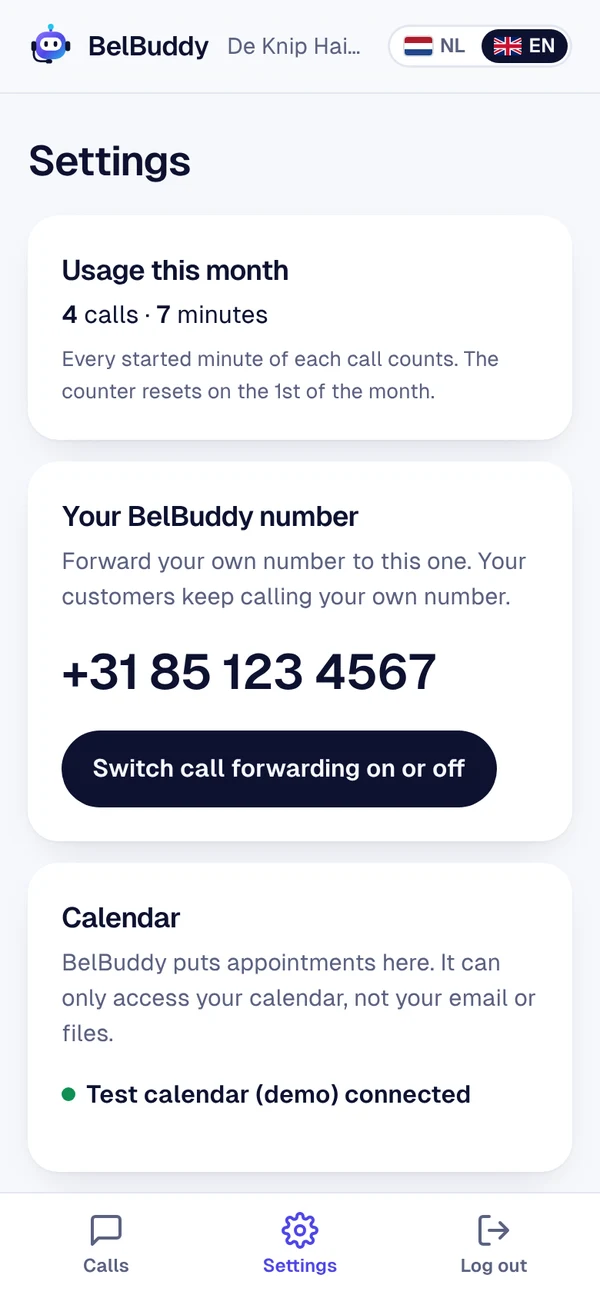
Anywhere
Install the app on your phone or open it on your computer.
For the whole team
Team members only see their own messages. The owner manages the rest.
Private
Calls are stored encrypted in Germany. You choose for how long.
Notifications and text messages
You decide how you are notified, and whether your callers get a text message. Everything is switched on or off with one tick in the app.
For you
Every call is in the app, with a note and the full call written out. On top of that you choose: an email after every call, an email only when there is something to do, or one summary per day at a time you choose.
For a new appointment or a callback request you can also get a notification on your phone.
For your caller
Switch the text confirmation on or off. When it is on, the caller gets a text with the day and time after booking, and a confirmation after cancelling. If you like, a reminder follows the day before at 17:00.
€5 per month, 25 texts included. See pricing.
How to install the app
Android
Open app.belbuddy.eu in Chrome and log in. Tap the three dots and choose Install app. Or install the app from Google Play.
iPhone and iPad
Open app.belbuddy.eu in Safari and log in. Tap the share icon and choose Add to Home Screen. Notifications work from iOS 16.4 onwards.
Computer
Go to app.belbuddy.eu. This is also where you set up integrations, team members and tasks.
Try RingPilot free for 14 days
Up to 100 minutes free. No payment details needed. Set it up yourself in ten minutes.