Sign up
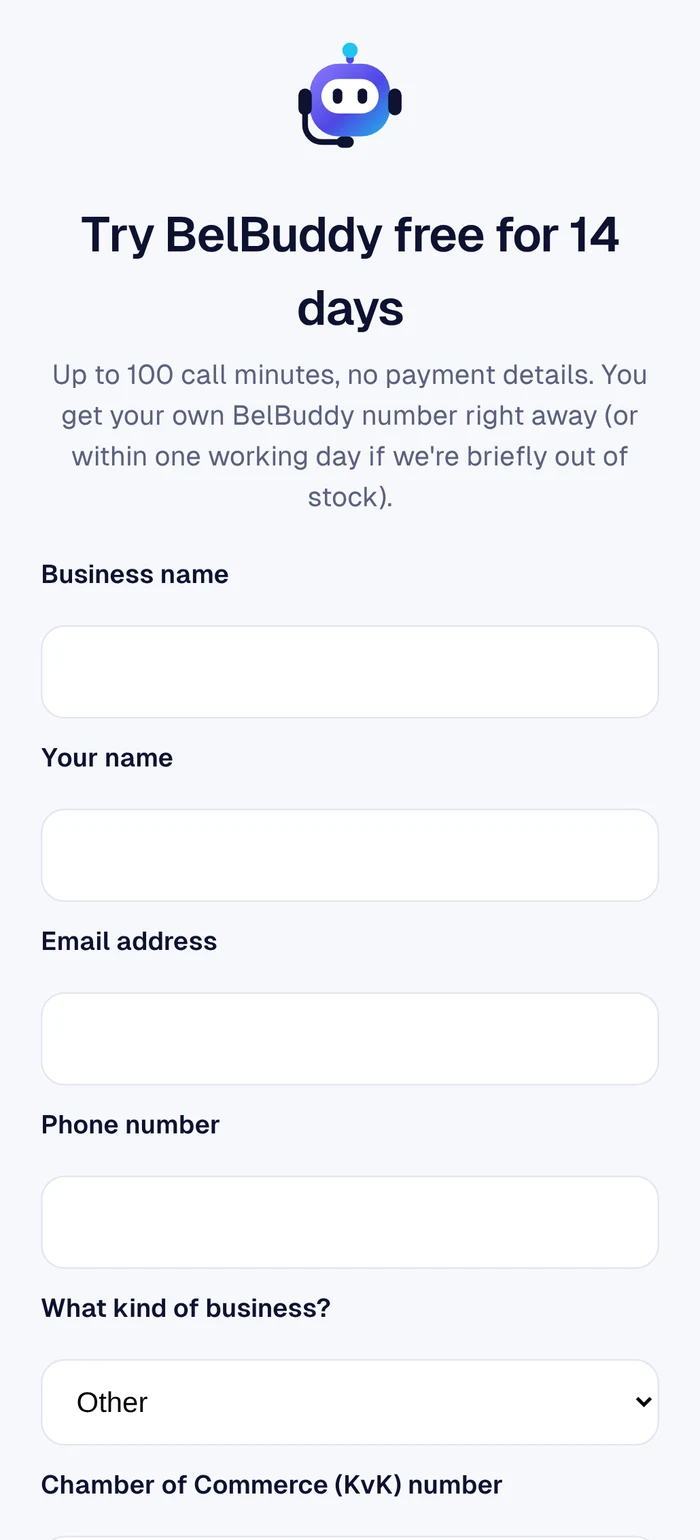
On ringpilot.eu, choose Try for free. Enter your company name, your name and email address, and choose what type of business you have. You will receive a 6-digit code by email to log in.
Your RingPilot number
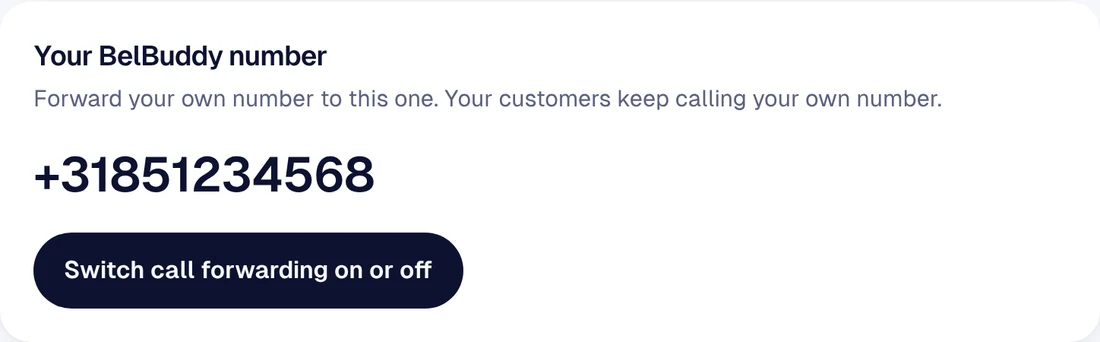
You usually get your own RingPilot number straight away, at the latest the next working day. You will find the number under Settings. Your customers simply keep calling your own number.
Tell RingPilot about your business
Enter your opening hours and what RingPilot may tell callers about you: address, services, prices and frequently asked questions. RingPilot only uses what you enter there. See Tailoring RingPilot to your business.
Connect your calendar
Would you like RingPilot to book appointments? Connect your Outlook, Google, iCloud or Yahoo calendar. See Connecting your calendar.
Turn on call forwarding
Forward calls from your own number to RingPilot, for example only when you don't answer. If your number runs through a phone system or landline, see Forwarding calls from your phone system or landline. If you call with your mobile, it takes one button: see Forwarding calls from your mobile.
Call yourself
Call your own number from another phone and don't answer. RingPilot picks up. After the call, the note appears in the app and you receive an email.
Need help?
Email [email protected] or ask your question in the chat at the bottom right. We are happy to help, including with the setup.