After every call, RingPilot immediately sends the note to an address you specify. It is signed, so you can verify that it comes from RingPilot.
Create the receiving address
In Zapier: Webhooks by Zapier › Catch Hook. In Make: Custom webhook. In n8n: the Webhook node (POST). Copy the address. More information: Zapier, Make and n8n.
Add the address in RingPilot
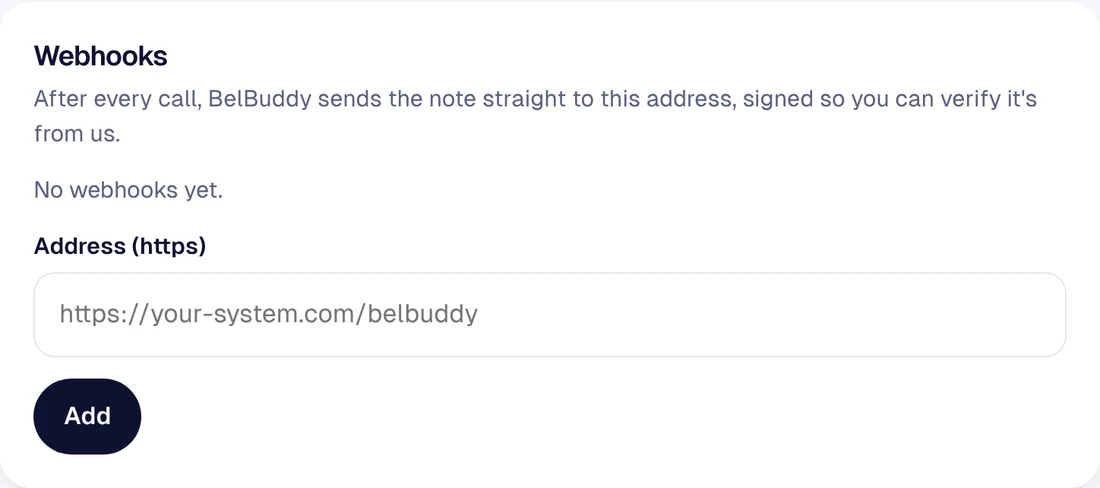
Log in at app.belbuddy.eu and choose Settings › Manage integrations. Paste the address under Webhooks and choose Add.
Save the secret
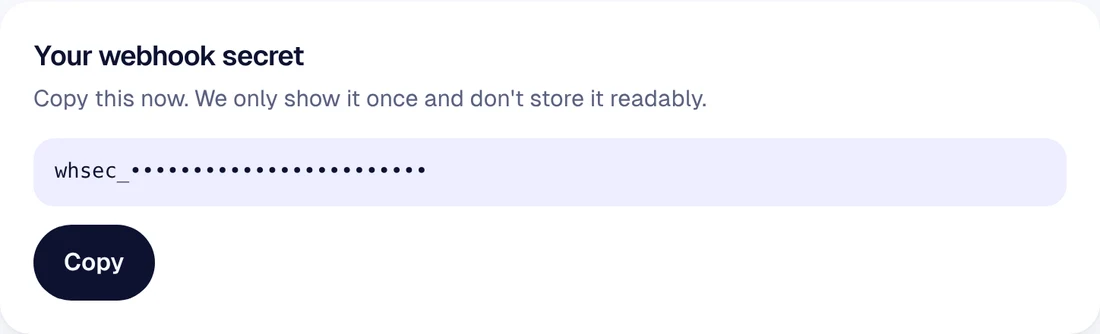
The webhook secret is shown to you once. Your system uses it to verify the signature. With Zapier and Make, this is not needed.
Test
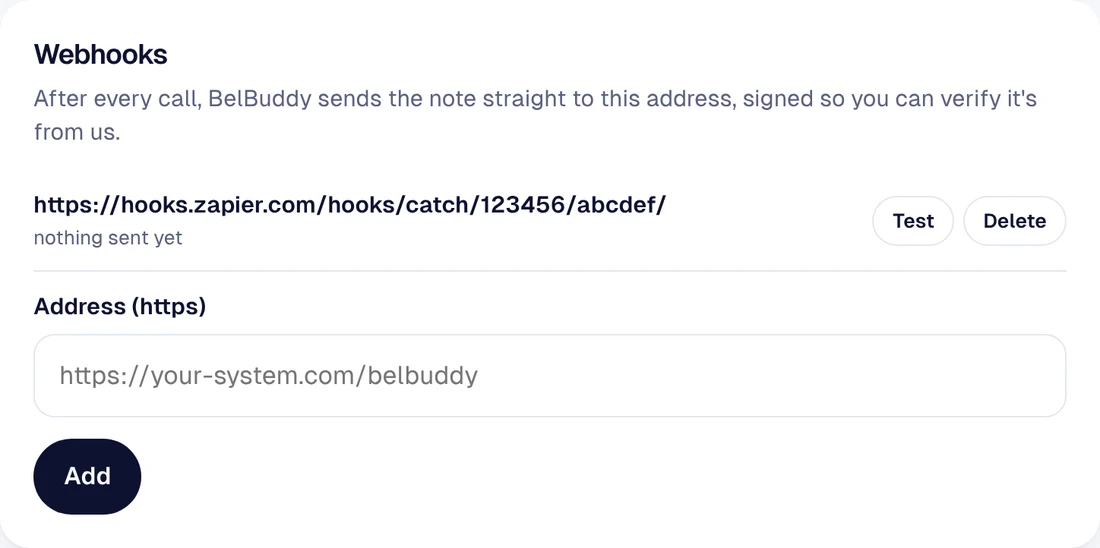
Choose Test next to the address. RingPilot sends a test message so you can see that the address works. You will see the fields of a real note after the first call.
Need help?
Email [email protected] or ask your question in the chat at the bottom right. We are happy to help, including with the setup.