Everything is on app.belbuddy.eu under Settings › Subscription. Only the account owner can manage the subscription.
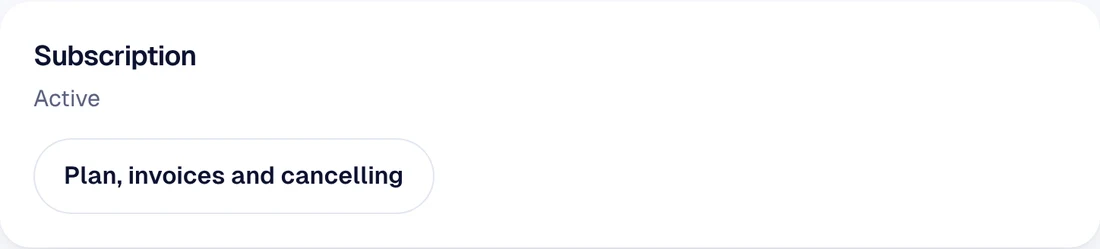
Choosing a plan
If you choose a plan during your trial, you only start paying after the trial period. If your trial minutes run out, the plan starts immediately and RingPilot answers calls again straight away. Cancel monthly. Prices exclude VAT.
Switching plans
Under Change plan, choose Switch. Upgrades take effect immediately; the difference for the current month is charged pro rata on your next invoice.
Invoices and payment details
Choose Invoices and payment details. You also receive every invoice by email.
Cancelling
Choose Cancel. Your subscription ends at the end of the billing period; until then, RingPilot keeps answering as usual. Changed your mind? Choose Withdraw cancellation.
Stopping your trial
Choose Stop trial. RingPilot will then no longer answer calls. Also turn off call forwarding; see Call forwarding.
Deleting your account and data
See Deleting your account and data.
Need help?
Email [email protected] or ask your question in the chat at the bottom right. We are happy to help, including with the setup.