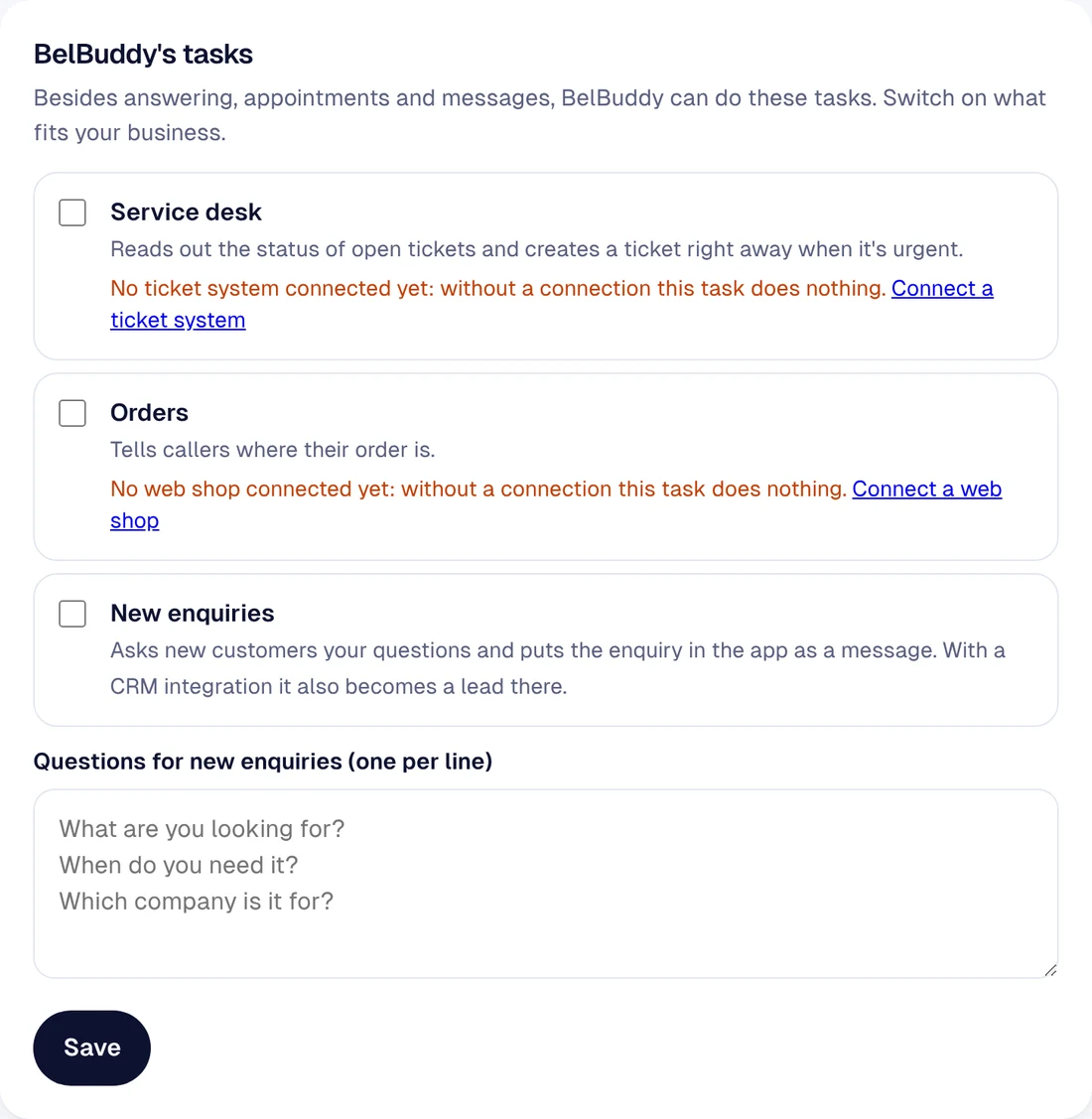
As well as answering calls, booking appointments and taking messages, RingPilot can carry out tasks. You turn them on at app.belbuddy.eu under Settings › RingPilot tasks.
Service desk
RingPilot recognises callers by their number, reads out the status of open tickets and creates a ticket straight away for urgent issues. To do this, first connect your ticketing system. See Connecting a CRM or ticketing system.
Orders
RingPilot tells callers where their order is, but only if the caller gives the order number plus the postcode or email address, or calls from the phone number used for the order. To do this, first connect your online shop. See Connecting your online shop.
New leads
RingPilot asks new customers your own questions, one per line, and saves the request as a message in the app. With a CRM integration, the request is also added to your CRM as a lead.
Need help?
Email [email protected] or ask your question in the chat at the bottom right. We are happy to help, including with the setup.